Downright Markdown is a free, open-source native Markdown editor and viewer for macOS. It is designed for files people and coding agents change together.
50-word description
Downright is a free, MIT-licensed native Markdown reader and editor for macOS. Open ordinary files, preview them from Finder with Quick Look, and review external rewrites with word-level changes. It uses AppKit and TextKit 2, keeps the source file in charge, and requires no account, vault, or cloud sync.
Product film
150-word description
Downright Markdown is a native macOS document surface for the Markdown files people and coding agents change together. It opens ordinary project files directly, renders the source without normalizing it into a database, and moves between reading, editing, and Source Focus on the same text surface. Finder and Quick Look make a README or plan easy to inspect; the down command makes it easy to hand a generated document back to a human. When Claude Code, Codex, a script, or another process rewrites an open file, Downright treats that as a review event: it preserves the local buffer, shows what changed, and asks whether to keep the local version or take the version on disk. Downright is free, MIT licensed, works on macOS 14.0+, and does not require an account or network connection for ordinary reading, editing, searching, diffing, and export.
Product facts
- Platform: macOS 14.0 and newer.
- License: MIT.
- Source: open source on GitHub.
- Architecture: native AppKit and TextKit 2; no WebView.
- Integrations: Finder, Quick Look, Spotlight, Services, App Intents, and the
downCLI. - Privacy: no account or telemetry required; files remain local during ordinary use.
- Formats: .md, .markdown, .mdown, .mkd, .mdx, .mdc, .qmd, .rmd.
- Current release: 1.0.16 · release evidence.
Press assets
- 23-second product film, 15-second social cut, and 10-second demo.
- App icon PNG · vector mark.
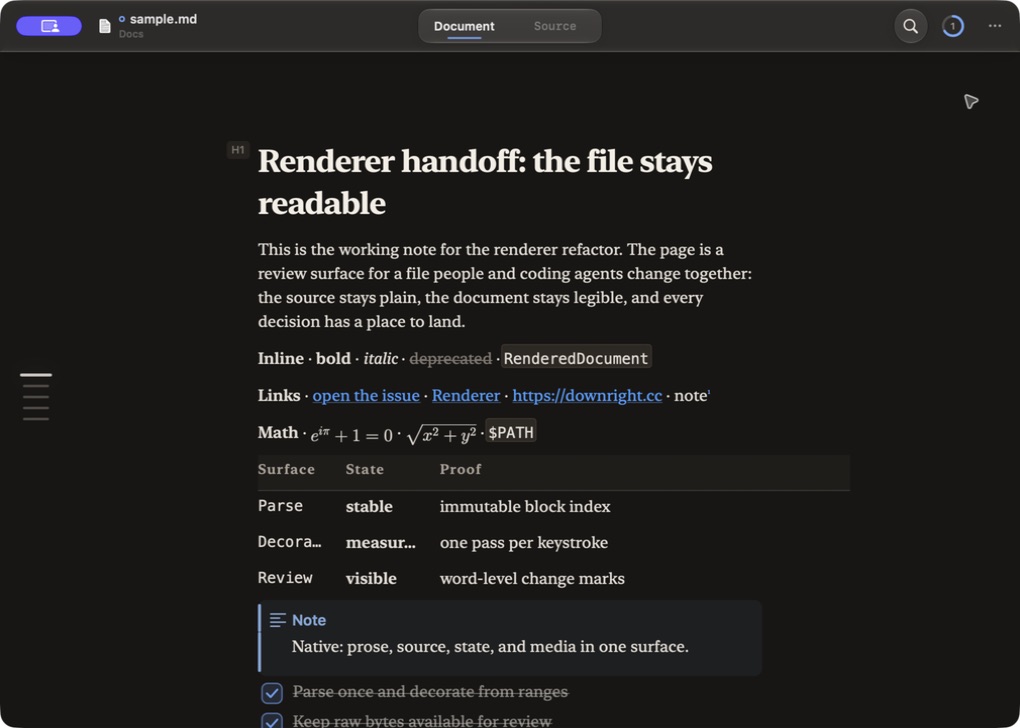
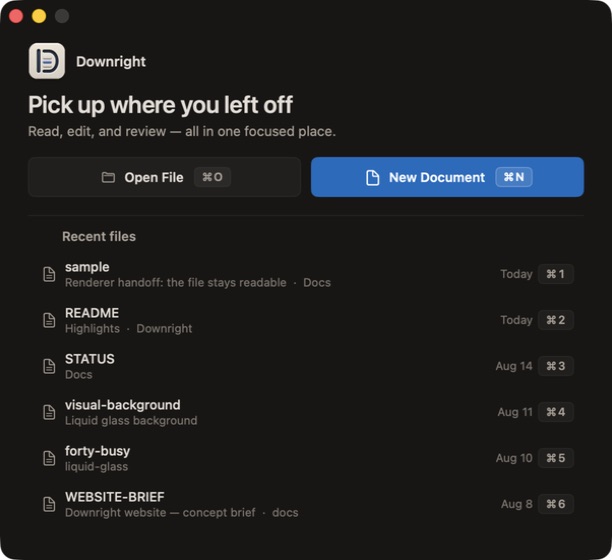
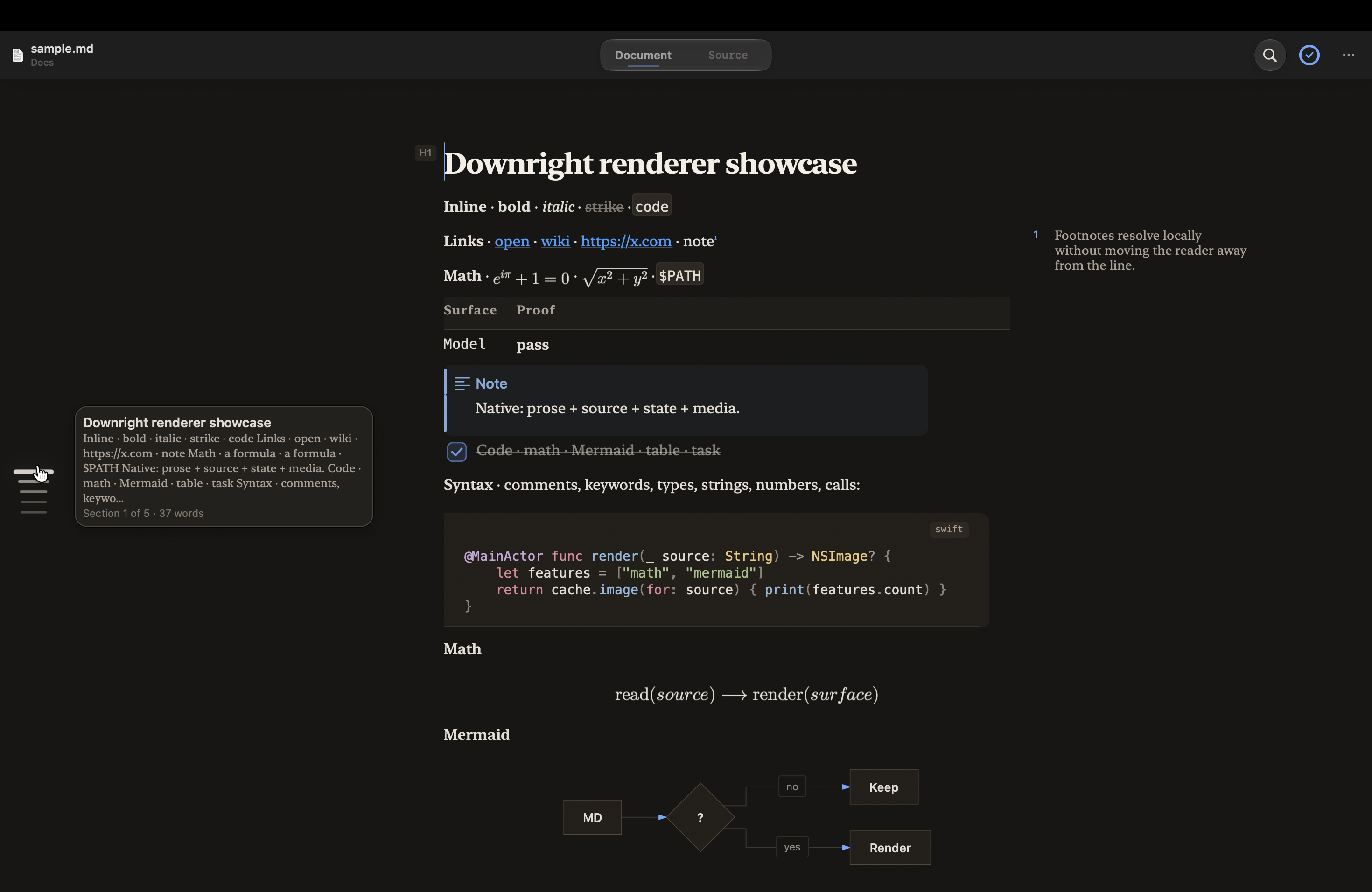
- Native document/review still, start-window still, and renderer showcase.
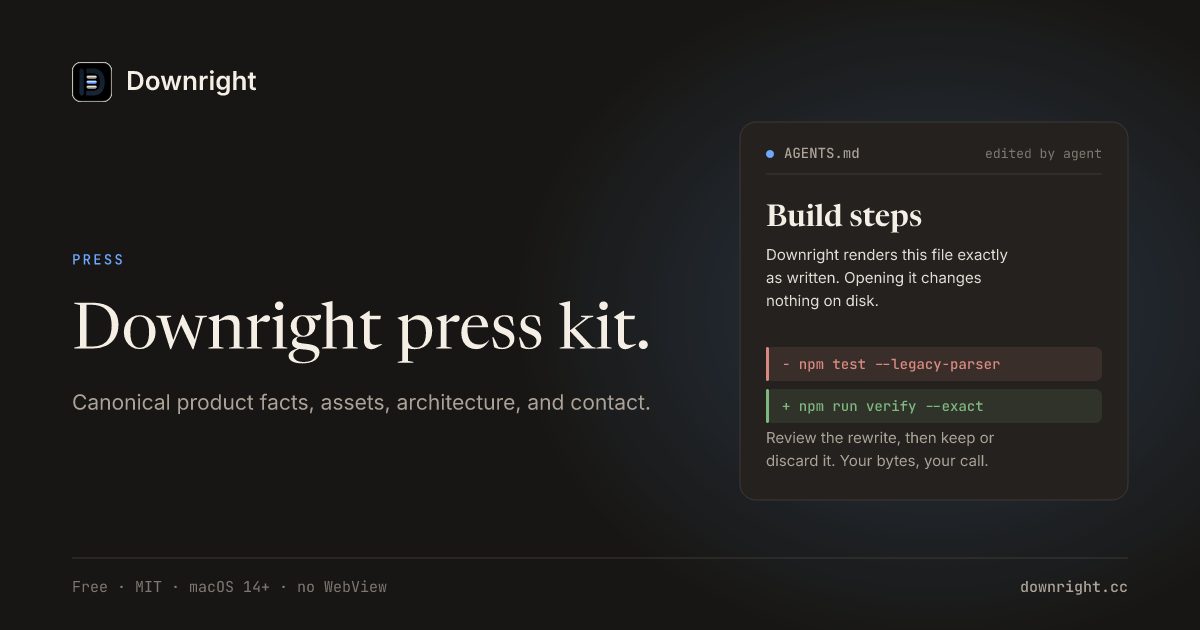
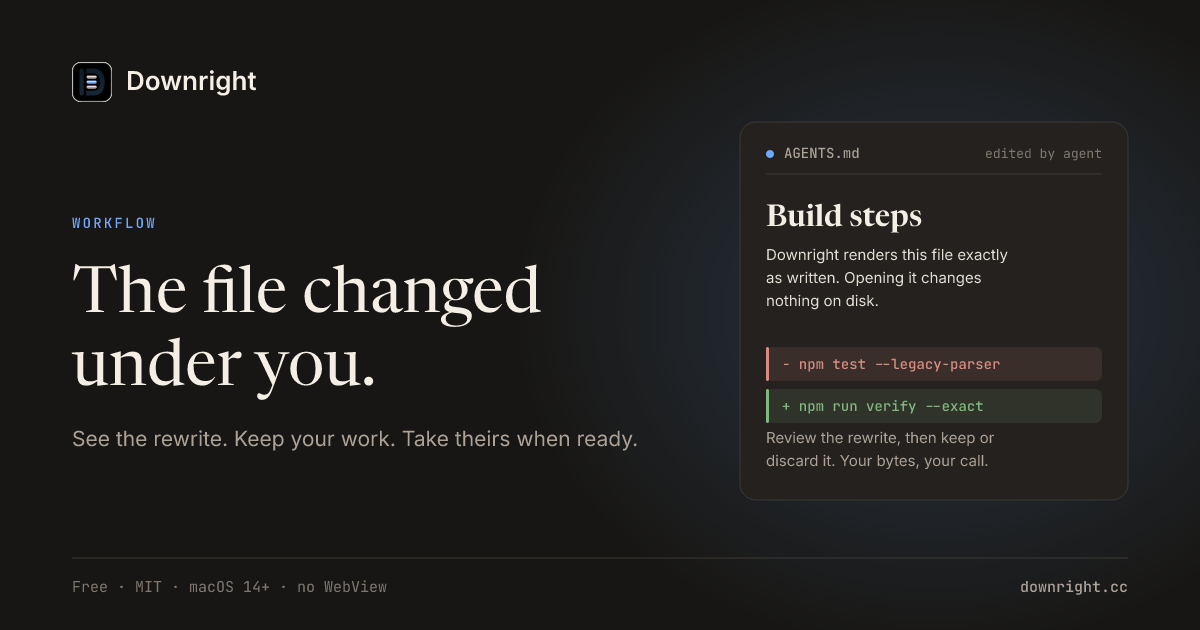
- 1200 × 630 press card and external-write workflow card.
- Live product surface: the site’s document demo is rendered HTML and can be inspected directly.
- Demo brief: external-write review → Finder/Quick Look →
down PLAN.md.

Useful links
Download · release facts · engineering · benchmarks · privacy · source